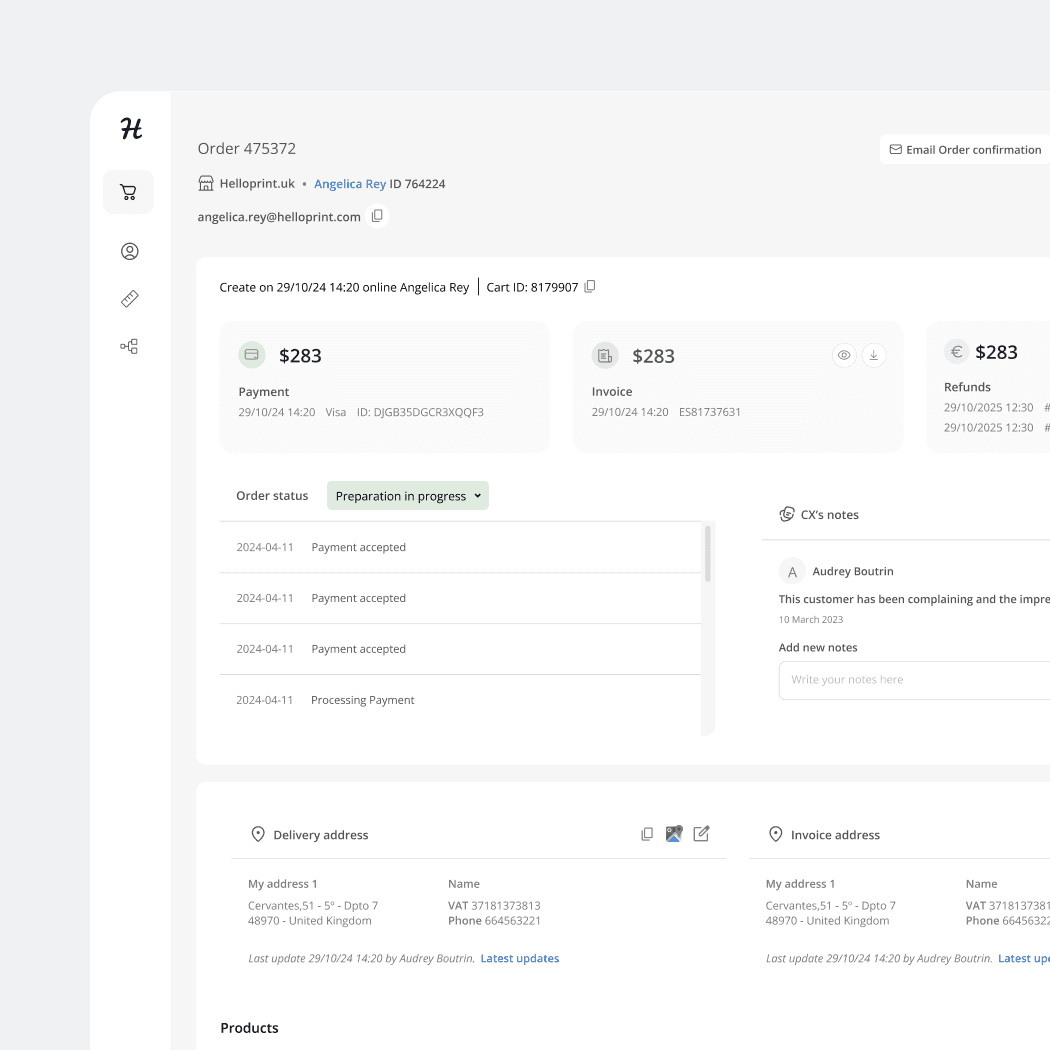
A boutique creative agency in Barcelona was running 8 active projects across five disconnected tools — and consistently undercharging clients because no one had a clear view of actual hours spent. I designed a SaaS dashboard that consolidated everything into one place.
project dashboard.
One view of every active project
The dashboard shows the founder, designers, account manager, and operations manager the same information at the same time: budget consumed, hours logged, upcoming deadlines, and what needs attention today.
Project dashboard: budget progress, team capacity, deadlines, and client sharing in one view
context.
The Problem
Curio Studio had 12 team members and an average of 8 active projects running simultaneously. They were operating across five different tools: Notion for project tracking, Excel for invoices, Google Drive for contracts, email for client communication, and a separate app for time tracking.
The founder's core problem: they were consistently undercharging clients because nobody had a clear view of how many hours had actually gone into a project by invoice time.
Senior creatives spent 30–40 minutes per week manually reconciling hours from different tools
Clients regularly asked 'where are we?' — answering required pulling from 3 different tools
Invoice preparation was a 2-hour process per project, done monthly by the operations manager
→ The product wasn't a project tracker. It was a shared language — a single view of project health that every role could read and trust.
time logging.
Hours flow into budget automatically
I designed a lightweight time-logging flow directly within the project — a simple timer or manual entry, linked to a specific task and team member. No separate app, no exports. Hours flow directly into the budget calculation in real time.
Time logging modal: task, duration, billability — with live budget impact preview
invoice generation.
2-hour invoice prep became 10 minutes
When hours are logged, the budget tracker updates automatically. The invoice generation flow pulls all logged work, formats it into a client-ready summary, and pre-fills the invoice fields. The operations manager's 2-hour monthly process became a 10-minute one.
Invoice generation: auto-filled from logged hours, verified, and ready to send in one click
impact.
5→1
Tools consolidated
10 min
Invoice prep (was 2h)
↑ billing
Accuracy vs. actual hours
8
Projects visible at once
The team onboarded to the prototype in a single session — the simplified structure matched how they already thought about projects.
The integrated budget tracker meant undercharging became visible in real time, not at invoice time.
The client-facing view reduced status-update emails significantly, freeing account manager time for higher-value work.